
NBN Outages: What to Do When Your Internet Goes Down

In 2026, we rely on the internet for everything from finishing a work report to ordering dinner. When your NBN goes down, it’s not just a minor annoyance—it feels like being cut off from the world.
While the NBN has become significantly more stable this year, outages still happen. Here is your 2026 “survival guide” for when the lights on your modem start flashing red.
Get a budget deal
1. How to Check if It’s a “Real” Outage
Before you wait on hold for an hour with your provider, do these three things to see if the problem is in your street or just in your living room.
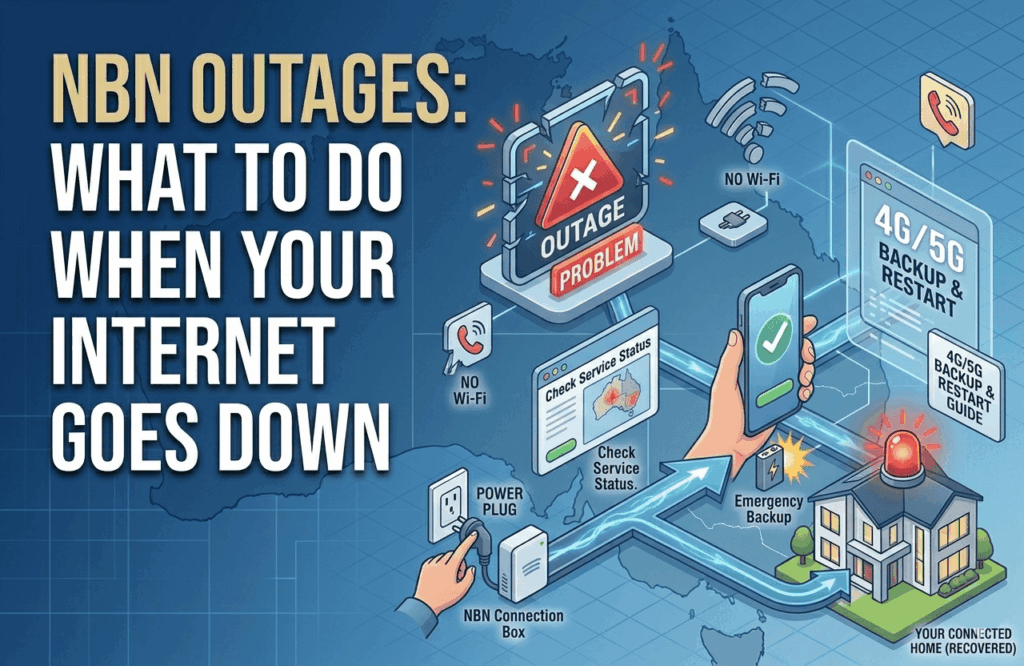
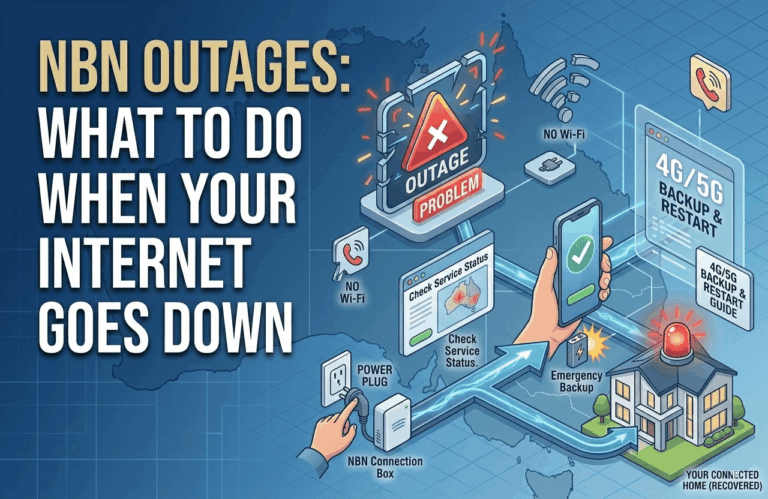
- The 30-Second Reboot: Turn your NBN connection box and your router off at the wall, wait 30 seconds, and turn them back on. In 2026, about 40% of “outages” are actually just hardware glitches that a restart can fix.
- The Official NBN Status Map: Visit the NBN Co Network Status page. Enter your address to see if there is “Planned Maintenance” (scheduled work) or an “Unplanned Outage” (a fault) in your area.
- The Provider Page: Sometimes the NBN is fine, but your specific provider (like TPG, Aussie Broadband, or Telstra) is having a system issue. Check your provider’s “Network Status” page or their official social media accounts for live updates.
2. Your Rights: When Are You Owed Compensation?
As of early 2026, the ACCC and ACMA have tightened rules around “Major Outages.” If your internet is down, you have specific protections under the Telecommunications Consumer Protections (TCP) Code:
- The “6-Hour” Update Rule: For significant local outages, your provider is now required to keep you updated regularly (often every 6 hours for the first day) via SMS, email, or their app.
- Automatic Rebates: Many 2026 plans now include automatic “pro-rata” credits. If your internet is down for more than 24 hours, you may be entitled to a credit on your next bill for the days you were offline.
- The “Right to Leave”: If your provider cannot fix a recurring fault within a reasonable timeframe (usually 10–15 business days), you generally have the right to cancel your contract without paying any exit fees.
3. How to Stay Online During the Blackout
Don’t let an outage ruin your day. In 2026, there are three main ways to stay productive:
- The Smartphone Hotspot: This is the quickest fix. Go to your phone settings and turn on “Personal Hotspot.”
- Pro Tip: In 2026, avoid 4K streaming while on a hotspot, as it can burn through a monthly mobile data cap in just a few hours!
- 4G/5G Backup Modems: If you are with Telstra or Optus, your modem likely has a “Backup” feature. It will automatically switch to the mobile network the moment it detects the NBN is down. You might notice a slight speed drop, but your Wi-Fi will stay active.
- The “Crisis Kit”: If you live in a regional area prone to storms, consider a Portable Power Station or UPS (Uninterruptible Power Supply). This keeps your NBN box and router running during a power blackout, allowing you to stay connected to the NBN (provided the local tower still has power).
Frequently Asked Questions
Will my home phone work during an NBN outage?
No. In 2026, almost all home phones are “VoIP,” meaning they run over the internet. If the NBN is down, your landline is down too. Always keep a charged mobile phone handy for emergencies.
My NBN lights are green, but the internet is slow. Is that an outage?
This is usually “Performance Degradation” rather than a full outage. It could be due to extreme weather affecting local equipment or high congestion in your suburb. If it persists, run a speed test and send the results to your provider.
Should I call NBN Co or my ISP?
Always call your ISP (Internet Service Provider) first. NBN Co manages the “pipes,” but your provider manages your “account.” NBN Co generally won’t speak to residential customers directly about individual faults.