
Best Internet Plans for Working From Home in Australia

Working from home in 2026 isn’t just about having “fast” internet; it’s about having a connection that won’t drop out when you’re presenting to the board or uploading a massive client presentation.
While most Australians focus on download speeds, the secret to a smooth home office is actually upload speed and latency. Here is how to build a 2026-ready workspace.
Get a budget deal
1. Speed Guide: What Do You Actually Need?
In 2026, standard work tasks require more bandwidth than they did a few years ago due to high-definition video and heavier cloud-based apps (like AI-integrated Office 365 or Canva).
Work Task | Minimum Download | Minimum Upload | Recommended NBN Tier |
Basic Admin (Emails, Docs) | 25 Mbps | 5 Mbps | NBN 25 |
HD Video Calls (1-2 people) | 50 Mbps | 20 Mbps | NBN 50 |
Cloud Work & Large Files | 100 Mbps | 20–40 Mbps | NBN 100 |
Content Creation / 4K Video | 250+ Mbps | 100 Mbps | NBN 250 or 1000 |
- The “Video Call” Rule: If your video is often blurry or “laggy,” your upload speed is likely the culprit. Aim for at least 10–20 Mbps upload to ensure you’re sending a crisp image to others.
- The “Household” Buffer: If you have kids streaming or a partner also working from home, NBN 100 is the absolute baseline to prevent “bandwidth wars.”
2. Best NBN Plans for Upload-Heavy Work
If your job involves uploading videos, large CAD files, or constant cloud syncing (Dropbox/OneDrive), you need a plan that prioritizes the “second number.”
- NBN 100/40: Many providers have moved to a 100/20 standard. Look specifically for “Pro” or “Power User” plans from retailers like Aussie Broadband or Superloop that still offer the 40 Mbps upload.
- NBN 250/100 (The “Creator” Plan): This is the gold standard for remote professionals. With a 100 Mbps upload, a 1GB file that used to take 20 minutes to upload will now fly out in about 90 seconds.
- Symmetrical Business Plans: If your work is mission-critical, some 2026 business-grade NBN plans offer symmetrical speeds (e.g., 250 Mbps down / 250 Mbps up), ensuring your “send” is just as fast as your “receive.”
3. How to Set Up a Bulletproof Connection
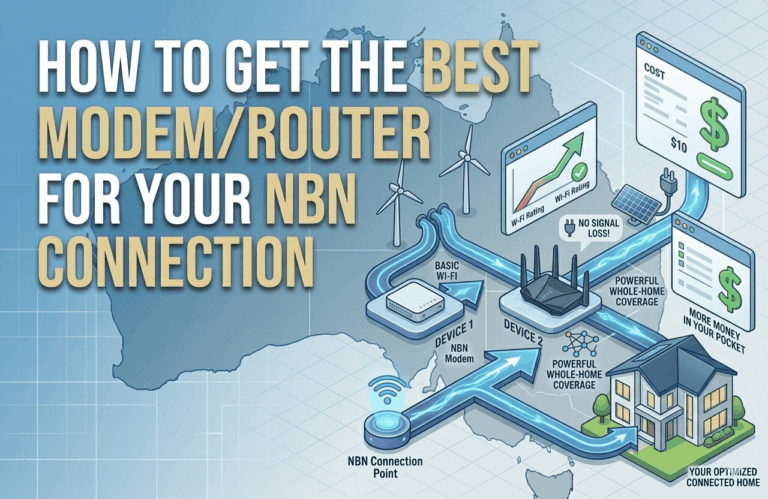
Even the fastest plan will fail if your Wi-Fi is weak. Follow these pro steps to optimize your home office:
- Use an Ethernet Cable: Wi-Fi is convenient, but a $15 Ethernet cable plugged directly from your router into your laptop is the single best way to eliminate “jitter” and dropped calls.
- Upgrade to Wi-Fi 7: In 2026, Wi-Fi 7 modems are the standard for high-speed plans. They handle multiple devices much better than older Wi-Fi 5 or 6 models, reducing interference from your neighbor’s network.
- Centralize the Router: If you must use Wi-Fi, ensure your router is in the same room as your office or use a Mesh Wi-Fi system (like Eero or Google Nest) to “throw” the signal into your workspace without loss of speed.
- Enable QoS (Quality of Service): Most modern routers have a setting called QoS. Switch this on and set your work laptop as the “Priority Device.” This tells the router to give your Zoom call the bandwidth it needs, even if the TV in the lounge is streaming Netflix.
Frequently Asked Questions
Is 5G home internet good for working from home?
5G is great for downloads, but its latency (ping) can be inconsistent. For most office work it’s fine, but if you do a lot of real-time screen sharing or remote desktop work (VPN), a fixed-line NBN connection is still the more reliable choice in 2026.
Why is my internet slow only during “busy hours”?
This is called “Congestion.” In 2026, most top-tier providers (like Exetel or Leaptel) purchase enough “CVC” (bandwidth) so you don’t feel this. If you’re slowing down at 7 PM, it’s a sign your provider is cutting corners; it might be time to switch.
Does NBN Co offer a “Service Guarantee” for workers?
NBN Co provides a higher level of support for “Business Grade” plans. If you are a freelancer or business owner, paying an extra $10–$20 a month for a Business NBN plan often includes a “Enhanced Service Level Agreement,” meaning they’ll fix faults much faster than a standard residential plan.